Many popular WordPress form builders offer a free version, but what each includes varies considerably.
Some free plugins are sufficient for everyday contact forms. Others include conditional logic, payment processing, AI form generation, surveys, or more advanced workflows. Some also charge an additional platform fee when you accept payments, while others reserve payment processing for paid plans.
This guide compares seven popular free WordPress form builders in 2026: SureForms, Fluent Forms, Forminator, WPForms Lite, Ninja Forms, Contact Form 7, and Everest Forms.
For each plugin, we cover its free features, important limitations, payment options, data storage, pricing, and the type of user it suits best. Installation figures and ratings are taken from the plugins’ WordPress.org listings. Feature and pricing information is based on official product websites and documentation.
What Actually Makes a Free Form Builder Worth Using?
Before comparing plugins, it helps to establish what matters when choosing a free WordPress form builder.
Entry storage: Does the plugin save submissions in your WordPress dashboard, or do you have to rely on email notifications? If a plugin doesn’t store entries locally, check whether it offers another way to back them up.
Anti-spam protection: Public forms can attract unwanted submissions. Look for specific options such as CAPTCHA integrations, honeypots, or other supported spam controls.
Form-building experience: A visual drag-and-drop or block-based builder can make creating and editing forms easier, particularly if you don’t want to work directly with form markup.
Email notifications: Check whether the plugin lets you notify the site administrator when a visitor submits a form and whether you can configure confirmation messages or additional notification rules.
Privacy and consent: Depending on the information you collect, you may need consent fields, data-retention controls, and other privacy measures. A consent checkbox alone does not make a website GDPR-compliant; compliance depends on how the website collects, processes, and stores personal information.
Embedding options: Check how forms can be added to pages and posts. A plugin may provide a WordPress block, shortcode, or another embedding method.
Free-versus-paid limitations: Conditional logic, file uploads, integrations, payment processing, and multi-step forms may be included, limited, or reserved for paid plans. Check the exact requirements for your workflow before choosing a plugin.
The 7 Best Free WordPress Form Builders in 2026
1. SureForms
Active installations: 500,000+
WordPress.org rating: 4.8/5
Free version: Yes
Paid pricing: See current SureForms plans.
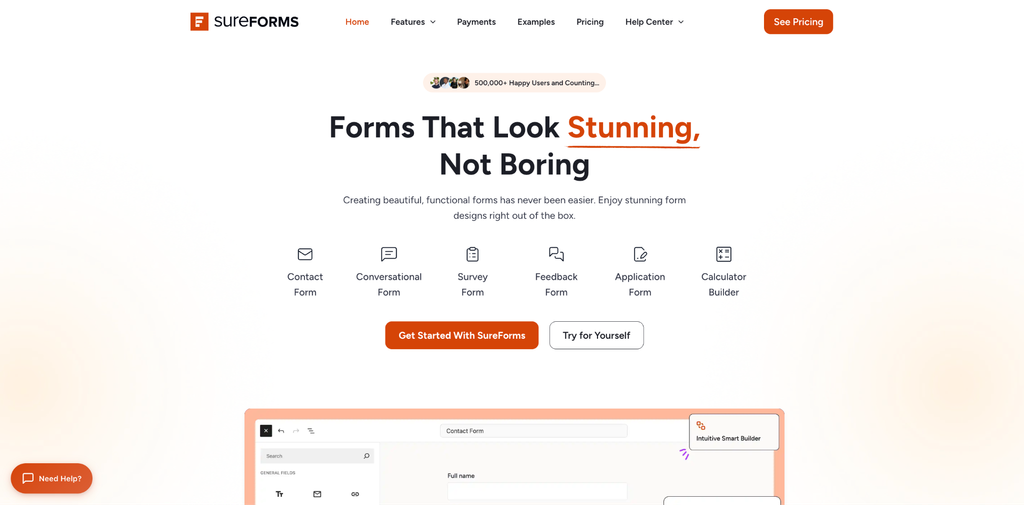
SureForms is a WordPress form builder built around the Gutenberg block editor. Instead of working in a completely separate form-building interface, you can create and edit forms using a block-based experience that fits naturally into WordPress.
It also includes AI form generation in the free plugin. You can describe the form you want, generate a starting point, and edit the resulting fields before publishing.
What the free version includes
- Block-based form building: Create and edit forms within the WordPress editing experience.
- AI form generation: Generate a form from a plain-language description without connecting your own external AI API key.
- Form entries: View submissions in the WordPress dashboard.
- Email notifications and confirmation messages: Configure communication following a submission.
- Instant Forms: Create and share a standalone form page without having to embed it in a regular page or post.
- Stripe payment forms: Accept payments through the supported Stripe integration.
- Form migration and import tools: Use the available tools to move or import forms; check the documented source-plugin support for the specific migration you need.
- Spam protection, styling controls, analytics, translations, and form blocks: These are listed among the free plugin’s features.
The official WordPress.org listing provides the current free-feature list.
Where the free version is limited
- Stripe transaction fees: The free plan adds a 2.9% SureForms fee to applicable Stripe transactions, in addition to Stripe’s own processing fees.
- Advanced fields: File uploads, image uploads, digital signatures, ratings, and other advanced fields are part of the paid offering.
- Advanced form types: Features such as calculator forms, multi-step forms, conversational forms, quizzes, and surveys are included in the paid offering.
- Conditional logic and workflows: Conditional forms, conditional routing, save-and-resume, form restrictions, and other advanced workflows are paid features.
- Integrations and automation: Native integrations, webhooks, and other automation capabilities depend on the paid offering.
- PayPal: PayPal support is listed among the paid offering’s payment capabilities.
Pricing
SureForms Premium has paid plans with different site allowances. Introductory prices and plan availability may vary by the offer shown. Check the current SureForms pricing page and checkout for the applicable price, site limit, and renewal terms.
Best for: WordPress users who want a block-based form builder with AI generation, local entry management, and Free one-time and recurring Stripe payments. It is particularly worth considering if you already build your website with Gutenberg.
2. Fluent Forms
Active installations: 800,000+
WordPress.org rating: 4.8/5
Free version: Yes
Paid pricing: Single-site Pro – $55 introductory price; $79 regular annual price.
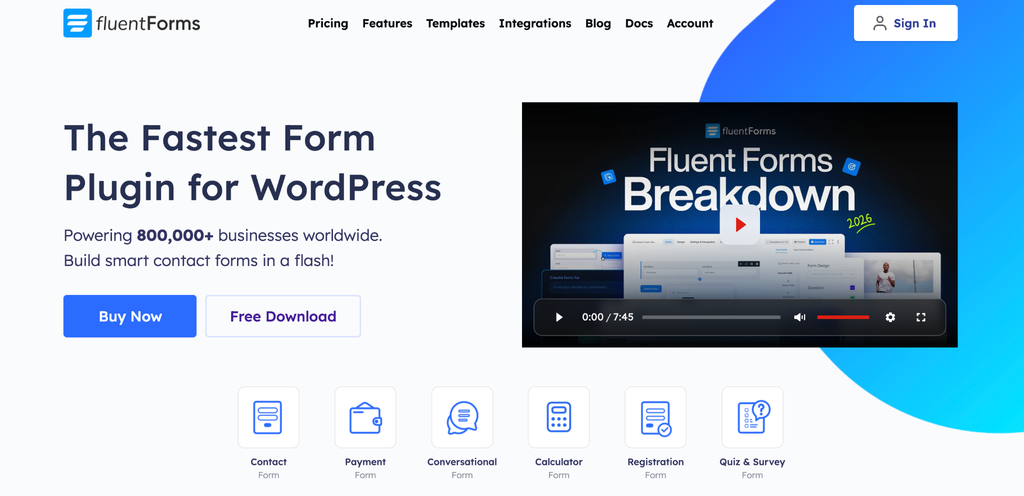
Fluent Forms is a drag-and-drop WordPress form builder with a substantial collection of features in its free version. One of its main advantages is that conditional logic is available for free.
Conditional logic lets a form show or hide fields according to a visitor’s answers. This is useful for enquiry forms, qualification forms, and workflows where different visitors need to see different questions.
What the free version includes
- A visual drag-and-drop form builder.
- Form submission management in the WordPress dashboard.
- Email notifications.
- Conditional logic.
- An AI form builder.
- Conversational forms.
- Input fields and reusable templates.
- Spam-protection integrations, including supported CAPTCHA options.
- Stripe payment support.
- Form reporting and submission-management tools.
See the Fluent Forms WordPress.org listing for its free feature set.
Where the free version is limited
- Stripe fees: The free version adds a 1.9% Fluent Forms platform fee to applicable Stripe transactions, in addition to Stripe’s processing fees.
- File uploads: File Upload and Image Upload fields require Fluent Forms Pro.
- Advanced payment functionality: Some payment features and integrations require Pro.
- Multi-step forms: The dedicated Form Step field is a Pro feature.
- Advanced integrations: Many CRM, email marketing, and automation integrations require a paid plan.
- Additional fields and workflows: Some advanced fields and functionality, including save-and-resume and other premium capabilities, depend on the plan.
The distinction between the free and paid input fields is documented in the official field comparison.
Pricing
Fluent Forms’ official pricing page lists its single-site annual Pro licence at a regular price of $79/year, with an introductory price of $55 shown on the site. The licence includes one year of updates and priority support.
See Fluent Forms pricing.
Best for: Users who need conditional logic without paying for a form builder, or who want to create adaptive forms while retaining a visual building experience.
3. Forminator
Active installations: 600,000+
WordPress.org rating: 4.8/5
Free version: Yes
Paid pricing: Forminator Pro is available through WPMU DEV’s paid options; the total cost depends on the plan and membership selected.
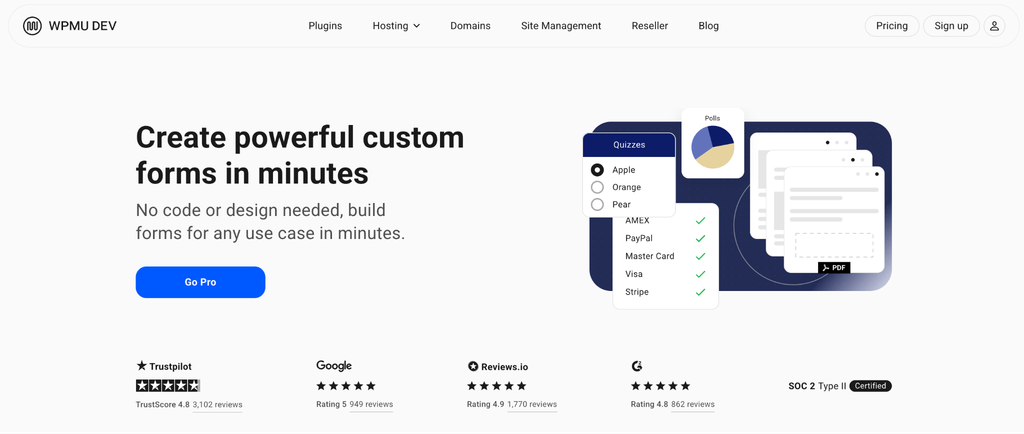
Forminator is a WordPress form builder from WPMU DEV. It supports contact forms, payment forms, polls, quizzes, and calculations, making it useful for websites that need more than a standard contact form.
One of its notable advantages is that its free version supports both Stripe and PayPal payment integrations.
What the free version includes
- A visual drag-and-drop form builder.
- Form submission management.
- Email notifications.
- Conditional logic for adapting forms to visitor responses.
- Stripe payment forms.
- PayPal payment forms.
- Polls and quizzes.
- Calculation features.
- File-upload fields, including multiple-file uploads.
- Pagination and form-building options for longer forms.
- Supported integrations, including options such as Mailchimp and Google Sheets.
The current Forminator WordPress.org listing and official documentation are the best references for the available features.
Where the free version is limited
- Recurring payments: Stripe subscription functionality is a Pro feature.
- Advanced payment workflows: Some payment configurations and capabilities require Pro.
- Advanced reporting and document generation: Features such as dynamic PDF generation and certain other capabilities are available through Pro.
- Advanced fields and integrations: Some features and integrations require a paid plan or membership.
Having a payment integration does not mean every payment method, subscription workflow, or advanced payment feature is included in the free plugin.
Pricing
Forminator’s core plugin is free to install from WordPress.org. Its advanced features are available through Forminator Pro and WPMU DEV membership options. Because membership prices and inclusions vary, check the official WPMU DEV pricing before comparing the total cost with a standalone form plugin.
Best for: Users who want forms, polls, quizzes, calculations, file uploads, or payment integrations without immediately purchasing a form-builder licence.
4. WPForms Lite
Active installations: 5 million+
WordPress.org rating: 4.8/5
Free version: Yes
Paid pricing: Basic – $49.50 introductory price for the first year; $99 regular annual price; one site.
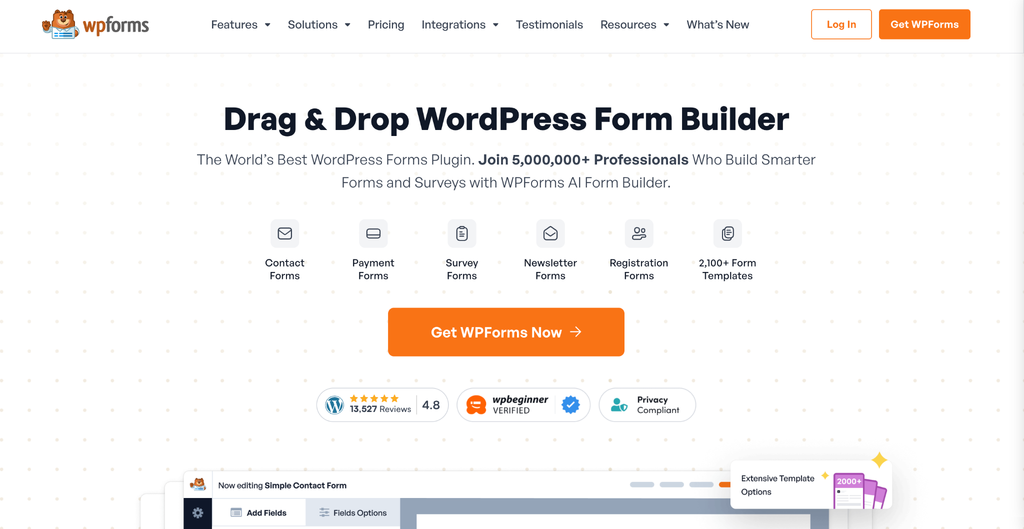
WPForms Lite is the free version of WPForms, a WordPress form builder designed to make form creation accessible to beginners.
It uses a visual drag-and-drop builder and offers a guided setup experience. AI form generation is also available in the free plugin, helping users create an initial form structure from a description.
However, it is important to understand the free version’s submission-storage and payment-fee limitations before choosing it for a business website.
What the free version includes
- A visual drag-and-drop form builder.
- Contact forms and other basic custom forms.
- Email notifications.
- Form templates and guided setup.
- AI form generation.
- Stripe payment support.
- PayPal Commerce payment support.
- Square payment support.
- Spam-protection options.
- A consent checkbox field that can be used where appropriate.
Where the free version is limited
- Entry storage: WPForms Lite does not save submissions as normal entries in your WordPress dashboard. Submissions are sent by email.
- Lite Connect: Lite Connect can back up new submissions remotely after you enable it. Backed-up entries expire after one year, and restoring available entries to your WordPress dashboard requires a paid WPForms licence. Entries submitted before Lite Connect is enabled are not backed up.
- Payment fees: WPForms Lite adds a 3% platform fee to supported Stripe, PayPal Commerce, and Square transactions, in addition to the payment provider’s processing fees.
- Conditional logic: The relevant conditional-logic functionality requires a paid plan.
- File uploads and advanced form types: These require a paid upgrade.
- Marketing integrations: Many email marketing and CRM integrations are available only on paid plans.
The distinction between email delivery, remote backups, and local entry storage matters. If you need to review and manage a searchable history of submissions inside WordPress, do not assume the free version provides the same entry-management functionality as WPForms’ paid plans.
See the official Lite Connect documentation for backup and restoration details.
Pricing
WPForms’ official pricing page lists Basic at $49.50 for the first year, against a regular price of $99/year, for one site. Higher-tier plans cover additional sites and features.
These are promotional prices and may change. Check WPForms pricing for current terms.
Best for: Beginners who want a guided form-building experience and primarily need standard contact forms. If local submission storage or advanced workflows are essential, check the paid feature requirements before committing to Lite.
5. Ninja Forms
Active installations: 500,000+
WordPress.org rating: 4.4/5
Free version: Yes
Paid pricing: Plus – $59.40 introductory price; $99 regular annual price; three sites.
Ninja Forms takes a modular approach to form building. Its free core plugin includes useful form-creation and submission-management features, while more advanced capabilities are available as separate add-ons or through membership plans.
Its current free plugin also includes an AI form builder, although using it has specific technical requirements.
What the free version includes
- A drag-and-drop form builder.
- Form submission storage in the WordPress database.
- Submission management and export tools.
- Email notifications and confirmation messages.
- Spam-protection options.
- Calculations.
- Signature and star-rating fields.
- Repeatable field groups.
- An AI form builder, subject to the requirements below.
AI form builder requirements
According to the official Ninja Forms AI documentation, the AI form builder requires:
- Ninja Forms version 3.15.0 or later.
- WordPress 7.0 or later, according to the AI feature documentation.
- A connected AI provider configured through WordPress’ connector settings.
Supported providers include OpenAI and Anthropic, according to the documentation. Using those services may require prepaid API credits. Therefore, while the AI form builder is included in the free plugin, using an external AI provider may not be entirely cost-free.
Where the free version is limited
- Conditional logic: Available through a paid add-on.
- File uploads: Available through a paid add-on.
- Multi-step forms: Require a paid add-on.
- Payment forms: Require a paid payment add-on.
- CRM, email marketing, and automation integrations: Many require separate add-ons or a membership.
- Advanced submission workflows: Features such as save-and-resume depend on the add-ons purchased.
Ninja Forms can be economical if you need only its free core features. However, compare the combined price of the add-ons you need with the cost of a bundled plan from another provider.
Pricing
Ninja Forms’ core plugin is free. Its official pricing page lists Plus at an introductory $59.40/year for three sites, against a regular price of $99/year. Individual add-ons and other memberships have separate pricing.
See Ninja Forms pricing.
Best for: Users who want local submission storage and useful core features, or who prefer to buy specific capabilities as their requirements grow. It is also worth considering if you want an AI-assisted form builder and meet the technical requirements.
6. Contact Form 7

Active installations: 10 million+
WordPress.org rating: 4.0/5
Free version: Yes
Paid pricing: The core plugin is free; additional extensions may have their own costs.
Contact Form 7 is one of the longest-established WordPress contact form plugins. It is a lightweight option for creating straightforward forms, particularly for users who are comfortable working with form tags and markup.
Unlike the other builders in this list, it does not provide the same drag-and-drop form-building experience. Instead, you edit the form’s markup and field tags through its form editor.
What the free version includes
- Basic contact form creation.
- Email notifications.
- Common form fields, including text, email, checkboxes, and file uploads.
- Spam-protection integrations, including supported Akismet and CAPTCHA options.
- Officially documented integrations, including Brevo, Cloudflare Turnstile, reCAPTCHA v3, and Stripe.
- A simple form-building approach that does not require a paid licence.
See the official Contact Form 7 documentation for supported integrations and setup instructions.
Where the core plugin is limited
- Visual building: It does not offer the same visual drag-and-drop builder as the other plugins in this comparison.
- Entry storage: Contact Form 7 does not store submitted messages in the WordPress dashboard by default. The separate Flamingo plugin can add message storage.
- Conditional logic: The core plugin does not provide a built-in conditional-logic builder. Additional extensions may offer this functionality.
- Advanced workflows: Complex form logic and other enhanced experiences may require extensions or custom development.
- Form customization: Users who want a visual, no-code form-building experience may find the markup-based workflow less convenient.
Contact Form 7 continues to receive maintenance and security updates. Check its official release notes and compatibility requirements before updating your website.
Pricing
The core Contact Form 7 plugin is free. You may need additional extensions or development work for features beyond its core functionality.
Best for: Users who need a straightforward contact form, are comfortable editing form tags, and do not require built-in local entry storage or an advanced visual form-building workflow.
7. Everest Forms
Active installations: 90,000+
WordPress.org rating: 4.9/5
Free version: Yes
Paid pricing: Personal – $49 introductory price; $69 regular annual price; one site.
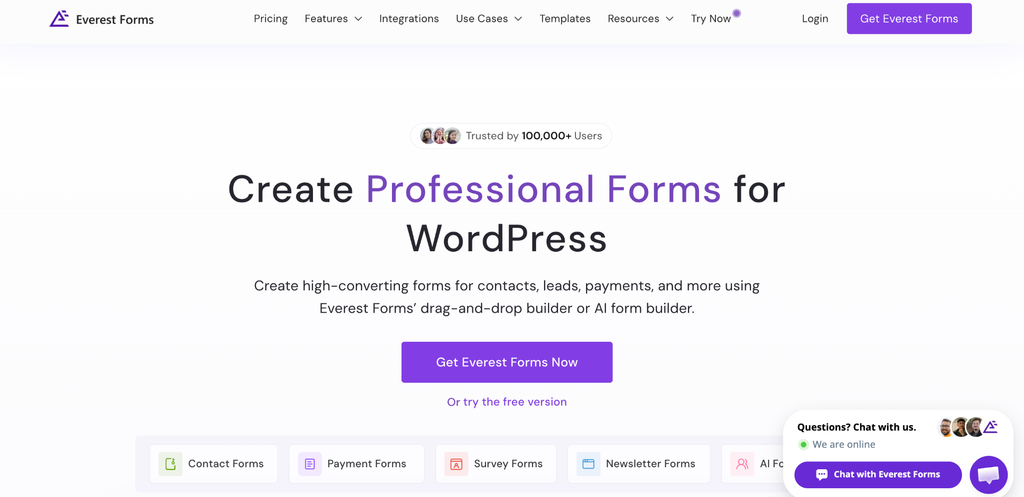
Everest Forms is a drag-and-drop WordPress form builder that includes submission management, file uploads, and AI form creation in its free version.
It is worth considering if you want to collect files through forms or generate an initial form structure with AI without connecting your own external AI API key.
What the free version includes
- A drag-and-drop form builder.
- AI form creation.
- A range of form fields.
- Form entry management.
- File-upload and image-upload fields.
- Email notifications.
- Survey-related fields and other form-building tools.
- Spam-protection options.
The free file-upload feature is particularly useful for applications, support requests, and other forms where visitors need to provide documents or images.
Where the free version is limited
- Conditional logic: This is a Pro feature.
- Payment gateways: Payment-gateway add-ons require Everest Forms Pro, according to the dedicated payment-gateway documentation.
- Advanced form workflows: Features such as multi-step forms and advanced integrations may require an upgrade.
- Plan-specific features: Check the current feature comparison before assuming a particular field, integration, or workflow is included in the free plugin.
The dedicated Everest Forms payment-gateway documentation describes the gateway field as available with Everest Forms Pro. Use that documentation and the current feature matrix when confirming payment entitlements.
Pricing
Everest Forms’ official pricing page lists Personal at an introductory $49/year, against a regular price of $69/year, for one site. Plus covers five sites, and Agency covers unlimited sites.
Best for: Users who need free file-upload fields, local entry management, or AI-assisted form creation, and who do not need conditional logic unless they are willing to upgrade.
Free Tier Comparison Table
The table below compares key features in the free core plugins. Payment fees refer to additional fees charged by the form plugin, not the payment processor’s own fees.
| Feature | SureForms | Fluent Forms | Forminator | WPForms Lite | Ninja Forms | Contact Form 7 | Everest Forms |
| Visual drag-and-drop or block-based builder | Yes; block-based | Yes | Yes | Yes | Yes | No | Yes |
| Submission storage in WordPress dashboard | Yes | Yes | Yes | No; Lite Connect provides remote backups | Yes | No; Flamingo adds storage | Yes |
| Email notifications | Yes | Yes | Yes | Yes | Yes | Yes | Yes |
| Conditional logic in free core | No; paid feature | Yes | Yes | No; paid feature | No; paid add-on | No native builder | No; Pro feature |
| AI form generation in free version | Yes | Yes | No | Yes | Yes; technical requirements apply | No | Yes |
| Payment support in free version | Stripe one-time payments and recurring subscriptions are available in Free, subject to a 2.9% SureForms transaction fee. | Stripe; additional 1.9% Fluent Forms fee | Stripe and PayPal | Stripe, PayPal Commerce, and Square; additional 3% WPForms fee | Payment add-on required | Stripe integration documented. | Payment gateway add-ons require Pro |
| File uploads in free core | No; requires Premium | No; requires Pro | Yes, including multiple-file uploads | No; paid feature | No; paid add-on | Yes | Yes |
| Multi-step forms in free core | No; paid feature | No; paid feature | Yes | No; paid feature | No; paid add-on | No built-in visual builder | No; paid feature |
| Official paid option | SureForms Premium | Fluent Forms Pro | Forminator Pro / WPMU DEV membership | WPForms paid plans | Add-ons / memberships | Extensions may be available | Everest Forms Pro |
What Upgrading to SureForms Premium Actually Gets You
SureForms’ free version provides a starting point for standard forms, AI form generation, entry management, email notifications, Instant Forms, and Free one-time and recurring Stripe payments. Its paid offering is designed for users who need more advanced form types, fields, workflows, integrations, and payment capabilities.
Depending on your requirements, the upgrade can provide the following.
1. Advanced form types
Create multi-step forms, conversational forms, calculator forms, quizzes, surveys, and polls. The paid offering also includes WordPress user registration and login workflows. These are different from ordinary event registration or RSVP forms, which can be built as standard forms.
2. Conditional logic
Show or hide fields based on visitor responses and configure more advanced form behavior and routing.
3. Advanced fields
Use capabilities such as file uploads, image uploads, digital signatures, ratings, repeaters, and custom HTML fields.
4. Advanced workflows
Depending on the feature, configure save-and-resume, PDF forms, form restrictions, frontend post creation, webhooks, and conditional notifications.
5. Integrations and automation
Connect forms to supported CRM, marketing, spreadsheet, and automation services. Check the current integration list for the specific services you need.
6. Payment capabilities
SureForms Premium removes the additional SureForms transaction fee when the Premium licence is active. Stripe’s own processing fees still apply. The paid offering also includes PayPal support, according to the current product documentation.
7. Paid-plan access
SureForms Premium offers paid plans with different site allowances. Introductory prices and plan availability may vary depending on the offer shown. Check the current SureForms pricing page and checkout for the applicable price, site limit, and renewal terms.
An upgrade makes the most sense when a specific premium feature solves a real problem for your website. If you only need a simple contact form, the free version may be enough. If you need Advanced Fields, Conditional Logic, Integrations, or more sophisticated workflows, compare the paid feature lists before deciding.
Conclusion
The best free WordPress form builder in 2026 depends on what you need your forms to do.
- For a Gutenberg-based form-building experience with AI generation: SureForms is worth considering, particularly if you want to keep form creation within the WordPress block editor.
- For free conditional logic: Fluent Forms and Forminator both offer conditional logic in their free versions.
- For free payment integrations: Forminator offers Stripe and PayPal in its free version. SureForms and Fluent Forms also offer Stripe payment support, but their respective platform fees should be considered.
- For a beginner-friendly guided experience: WPForms Lite is a strong option, provided you understand its entry-storage and payment-fee limitations.
- For local entry storage and a modular add-on approach: Ninja Forms offers useful core features and lets you purchase additional capabilities as needed.
- For a simple, markup-based contact form: Contact Form 7 remains an option, with additional message storage available through Flamingo.
- For free file uploads and AI form creation: Everest Forms is worth considering, especially if you do not need conditional logic in the free version.
There is no single plugin that is the best choice for every website. Before installing one, identify your essential requirements, especially submission storage, conditional logic, payment fees, integrations, and file uploads, and confirm that the free plan supports them.
A free plugin is a good fit when it covers your current needs without introducing limitations you cannot work around. If you expect your forms to become more complex, compare the paid plans as well as the free features before making a decision.
FAQs
Final accuracy note: Product features, fees, pricing, ratings, and WordPress compatibility can change. The listed installation figures and ratings are a snapshot checked on October 30, 2026.